Written by Swaraj Nandedkar • Published August 14, 2026 • Updated August 25, 2026
AI PROMPTS FOR TEAMS
20 ChatGPT and Claude Prompts for Teams (2026)
Twenty copy-ready prompts for support, meetings, research, sales, marketing, and project work—plus a simple review habit so a shared library doesn't go stale.
Key Takeaways
Support teams: Draft replies, triage tickets, and turn repeat issues into help articles.
Managers: Clean meeting notes, prep decision briefs, and turn status updates into actions.
Analysts and marketers: Compare public sources, pull themes from feedback, and rewrite copy without inventing facts.
Every team: Spell out the task, context, audience, and output format before anyone hits send.
A shared prompt saves you from rebuilding the setup each time. It still doesn't approve a customer reply, sign off on a forecast, or make a sensitive paste okay.
Disclosure: we make FlitKey. The library section mentions our product. The prompts work in ChatGPT, Claude, or another model your org allows.
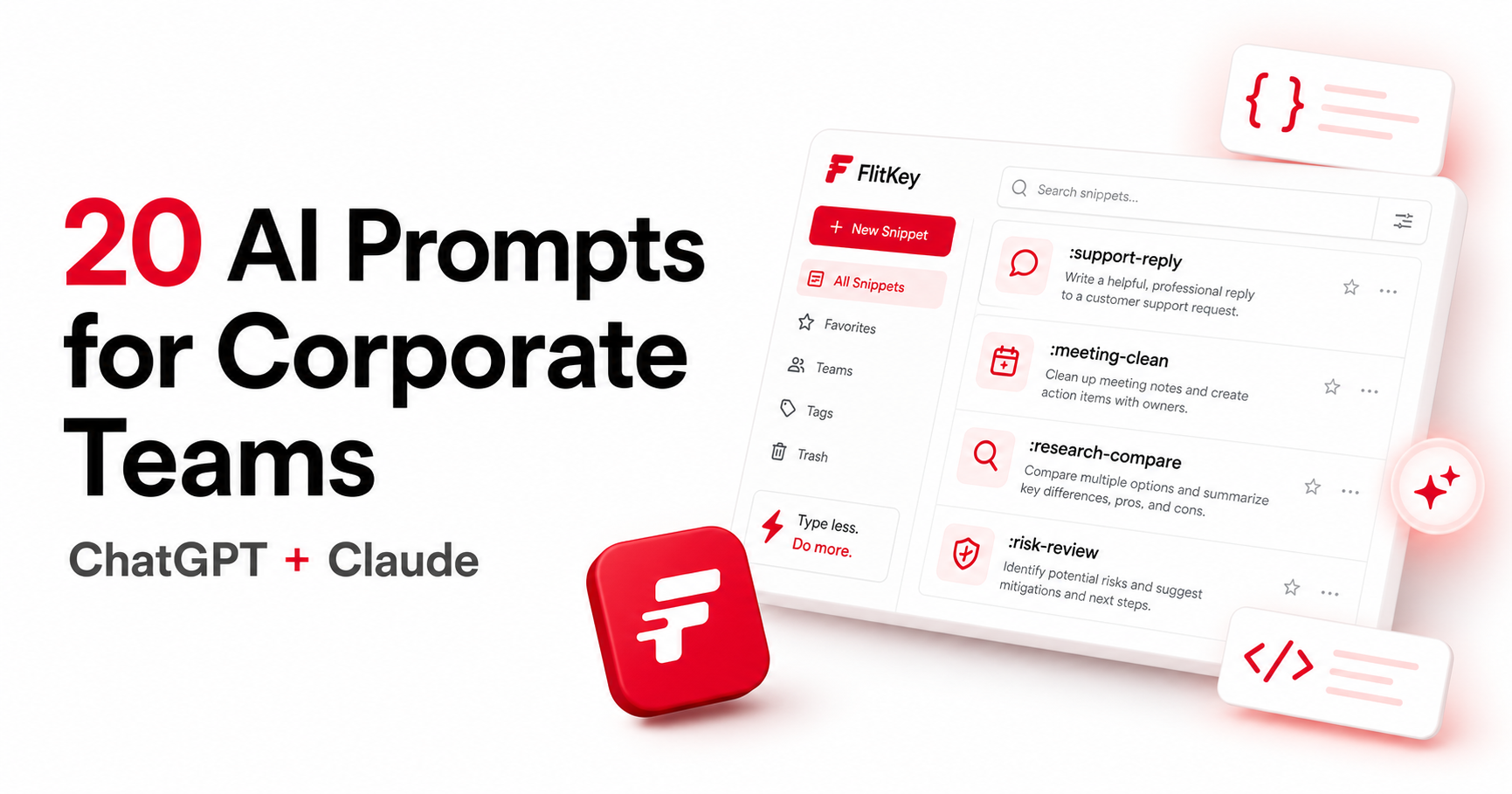
Twenty reusable prompts laid out for corporate workstreams.
Want these as FlitKey triggers?
Use this page for the wording. When a prompt sticks, turn it into a local snippet with a short trigger and {{clipboard}} on the AI prompts workflow guide—that page also lists the built-in pack from ai_prompts.json.
Support prompts that keep the next action visible
Support needs speed, but a clean sentence can still be wrong. Keep evidence, missing details, customer impact, and the next safe action as separate lines.
01 • Support
Draft a ticket reply
:support-reply
You are a support agent for [company]. Draft a reply to the customer below.
State what you understand, what you need next, and what will happen after that.
Use a [tone] tone and keep it under [word count] words.
Do not claim a fix, refund, or deadline unless the source notes confirm it.
Customer message:
[customer message]
02 • Support
Summarize a handoff
:support-handoff
Turn this support thread into an internal handoff for [team or role].
Use these headings: customer impact, observed facts, steps already tried,
missing information, and recommended next action.
Separate facts from guesses. Quote the exact error only when it appears below.
Thread:
[ticket thread]
03 • Support
Find a knowledge-base gap
:kb-gap
Review the resolved ticket below and suggest a knowledge-base article.
Return: proposed title, audience, reader question, verified steps,
known limits, and one sentence explaining why the article should exist.
Mark any step that needs confirmation by a subject-matter expert.
Ticket:
[resolved ticket]
04 • Support
Prepare an escalation note
:support-escalate
Prepare an escalation note for [engineering, billing, or security].
Include severity, affected users, first observed time, reproduction steps,
evidence, temporary workaround, and the decision needed from the recipient.
Do not include credentials or private customer data.
Case notes:
[case notes]
Meeting prompts that turn notes into work
Meeting notes usually mash decisions, guesses, side comments, and tasks together. Ask for those buckets separately so an owner doesn't vanish into one tidy paragraph.
05 • Meetings
Clean up meeting notes
:meeting-clean
Rewrite these meeting notes for people who were not in the room.
Use four sections: decisions, actions with owners, open questions, and dates.
Keep the original meaning. If an owner or date is missing, write “not assigned”.
Do not turn a suggestion into a decision.
Notes:
[meeting notes]
06 • Meetings
Build an agenda
:agenda-build
Build a [duration]-minute agenda for a [meeting type] with [attendees].
The decision or outcome we need is: [goal].
Give each item a time budget, owner, preparation request, and expected output.
Put the hardest decision early enough to discuss it properly.
Background:
[background]
07 • Meetings
Write a decision brief
:decision-brief
Write a one-page decision brief for [audience] about [decision].
Use: context, options, recommendation, reasons, risks, cost or effort,
and the next step. Label assumptions and list information that could change
the recommendation. Do not present an unsupported preference as a fact.
Source notes:
[source notes]
08 • Meetings
Prepare a weekly update
:weekly-update
Turn these project notes into a weekly update for [audience].
Use: completed work, current work, risks, requests, and next dates.
Keep facts and estimates separate. Name the owner for each request when known.
Keep the update below [word count] words and preserve every date.
Notes:
[project notes]
Research prompts that show the difference between facts and guesses
ChatGPT and Claude can sort a research packet fast. They can't turn an unverified claim into evidence. These prompts ask for sources and uncertainty instead of a confident-sounding guess.
09 • Research
Compare public information
:research-compare
Compare [company or product A] with [company or product B] using only the
source material below. Return a table with claim, source, date, and confidence.
Separate stated facts from your inference. Mark missing or conflicting data.
Do not fill gaps with general knowledge.
Source material:
[sources]
10 • Research
Extract themes from feedback
:feedback-themes
Analyze the feedback below from [audience or period].
Group repeated themes, quote short evidence, count mentions when possible,
and separate requests from complaints. Note sampling limits and any theme
that appears only once. End with four questions for the next research round.
Feedback:
[feedback]
11 • Research
Summarize a long report
:report-brief
Summarize this report for [audience] in [word count] words.
Start with the main finding, then cover method, evidence, limits, and what
the reader should do next. Keep every number tied to its source or label it
as an estimate. Do not copy a conclusion that the report does not support.
Report:
[report text]
12 • Research
Turn data into questions
:data-questions
Review the data summary below for [business question].
Return: what the data supports, what it cannot answer, possible confounders,
data quality checks, and the next analysis worth running.
Do not calculate a result from missing fields. Ask for the exact column or
time period when the question cannot be answered.
Data summary:
[data summary]
Sales and marketing prompts that keep claims on a leash
Sales and marketing drafts move fast, so unsupported claims often slip through. Put the source text, audience, channel, and claims you won't make into the prompt.
13 • Sales
Draft a prospect email
:prospect-email
Write a short email to [role] at a [industry] company about [topic].
Use a direct, professional tone. Mention only the proof points below.
Make one specific request and keep the body under [word count] words.
Do not invent a result, customer, integration, or deadline.
Proof points:
[approved proof points]
14 • Sales
Answer an objection
:sales-objection
Draft a response to this prospect objection: [objection].
First acknowledge the concern in plain language. Then answer using only the
approved facts below. If the facts do not answer it, say what a salesperson
needs to confirm. Keep the response under [word count] words.
Approved facts:
[approved facts]
15 • Marketing
Adapt copy for a channel
:channel-copy
Adapt the approved copy below for [channel] and [audience].
Keep the factual claims, numbers, product name, and required disclaimer.
Return the draft, then list any line that needs legal or subject-matter review.
Do not add a claim just to make the opening stronger.
Approved copy:
[copy]
16 • Marketing
Build an interview guide
:interview-guide
Write an interview guide for [audience] about [topic].
Give an opening script, consent reminder, warm-up question, core questions,
follow-ups, and a closing prompt. Avoid leading questions and do not ask for
private information that the study does not need. Target length: [duration].
Research goal:
[goal]
Leadership and project prompts for the work between meetings
These help when they surface the decision, owner, risk, or missing input. The point is to make uncertainty obvious, not to sand it smooth.
17 • Projects
Review project risk
:risk-review
Review the project notes below for [project].
Return a risk register with risk, evidence, likelihood, impact, owner,
mitigation, trigger, and next review date. Separate known risks from guesses.
If a field is missing, write “not provided” instead of filling it in.
Project notes:
[notes]
18 • Projects
Turn a plan into work
:plan-actions
Break this plan into work items for [team].
For each item, give outcome, owner, dependency, acceptance check, and target date.
Keep the sequence from the source plan. Flag work that needs a decision before
someone starts it. Do not create dates that the plan does not contain.
Plan:
[plan]
19 • Leadership
Prepare a stakeholder brief
:stakeholder-brief
Write a stakeholder brief about [initiative] for [audience].
Cover current state, desired outcome, progress, decisions needed, risks,
and what changes for this audience. Use the source notes only; label open
questions clearly. Keep the tone calm and the brief under [word count] words.
Source notes:
[notes]
20 • Leadership
Run a post-project review
:project-review
Turn the project record below into a post-project review.
Use: intended outcome, observed outcome, decisions that helped, decisions that
hurt, process changes to try, and questions for the team. Avoid assigning blame.
Separate evidence from interpretation and end with two owners for follow-up.
Project record:
[record]
A prompt library needs an owner, not another forgotten document
Templates only help if people can find the current version and see what changed. Storing the wording and getting it into daily use are different jobs—the workflow guide covers the second.
For a small team, a reviewed JSON file or shared doc may be enough. FlitKey keeps a local copy one shortcut away on Windows and Linux. Snippets stay on the device; there's no shared permissions, auto-updates, or central approval queue. If you need those controls, a hosted tool like TextExpander fits better.
Library field
Why it exists
Example
Prompt name and owner
Someone knows what the template does and who can change it.
Support handoff • Support Operations
Approved use
People know which workflow and audience the prompt covers.
Internal ticket triage only
Data boundary
People know what may be pasted into the model.
Public and internal, no customer identifiers
Version and review date
Old wording doesn't quietly become the team default.
v2 • Review September 2026
Known failure
Users see where the prompt still needs a human check.
Does not verify product availability or policy
Run a new prompt on harmless sample material a few times before you treat it as a team standard. Note where it guessed, dropped a constraint, or spat out a format nobody could use. Then fix the prompt or narrow where it's approved.
Read the prompt and the data path before you send
A local prompt file doesn't make the ChatGPT or Claude request local. OpenAI notes that model output can change between snapshots and recommends pinned versions plus evaluations when consistency matters; Anthropic documents Claude for text, code, analysis, and image inputs. For corporate work, the service policy and your org's approval matter more than the logo.
Before you send anything, strip passwords, private keys, access tokens, regulated records, personal data, confidential customer text, and restricted source code—unless that exact workflow is approved. The FlitKey privacy and security guide covers clipboard copies, local files, backups, and where offline snippet storage ends and an external AI request begins.
Fast review: Who owns this data? Which service gets it? Is the model allowed to process it? Which claims need a human check? If any answer is fuzzy, stop and ask the data owner.
Frequently asked questions
What makes a good corporate AI prompt?
It names the task, gives enough context, names the audience, sets an output format, and says what not to invent. It should also make the human review step hard to miss.
Can these prompts work in both ChatGPT and Claude?
Yes. They use plain instructions and bracketed placeholders, so you can adapt them for ChatGPT, Claude, or another approved model. Results still vary by model, settings, context window, and what you paste in.
Should a company share one prompt library?
A shared library helps when people repeat the same work. Every prompt still needs an owner, a review date, an approved data boundary, and a change log. A shared folder alone doesn't give you those controls.
Can I store these prompts in FlitKey?
Yes. FlitKey can turn a short trigger into a saved local prompt on Windows and Linux. It doesn't offer shared permissions, cloud sync, or a hosted team prompt console.
What should never go into a corporate AI prompt?
Don't paste credentials, private keys, regulated records, personal data, confidential customer material, or restricted source code unless your org has approved that exact workflow and service.
Sources and checks
Reference and product docs were checked August 14, 2026. The prompt text above is original FlitKey editorial copy; the sources back the structure, model context, and workflow limits—not the template wording itself.